
Introduction to Smart Home WiFi Needs
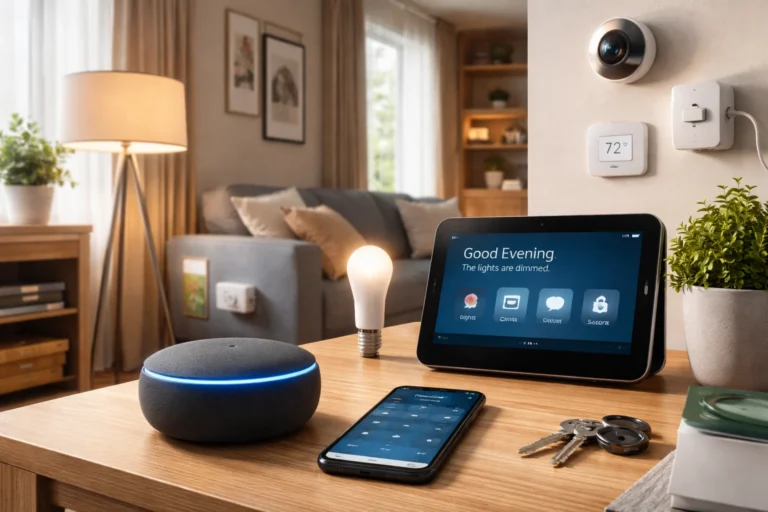
Smart homes are no longer a luxury; they are becoming the new normal. From smart lights and thermostats to security cameras and voice assistants, everything depends on one core element: a strong WiFi connection. A regular router may work fine for basic browsing, but smart homes demand more stability, speed, and device handling. That’s why choosing the best WiFi router for smart homes is critical. In this guide, we’ll break down what really matters, which features make the biggest difference, and how to choose a router that keeps your smart home running smoothly without constant drops or delays.
How to Choose the Right WiFi Router for a Smart Home
An ideal smart home WiFi router is built to handle dozens of connected devices at the same time without slowing down. Unlike traditional setups, smart homes rely on continuous communication between devices. This means your router must offer strong coverage, advanced traffic management, and reliable performance. Features like multi-band support, modern WiFi standards, and smart device prioritization are essential. A good smart home router doesn’t just provide speed; it ensures consistency, low latency, and seamless connectivity across every corner of your home.
Importance of Stable WiFi in Smart Home Ecosystems
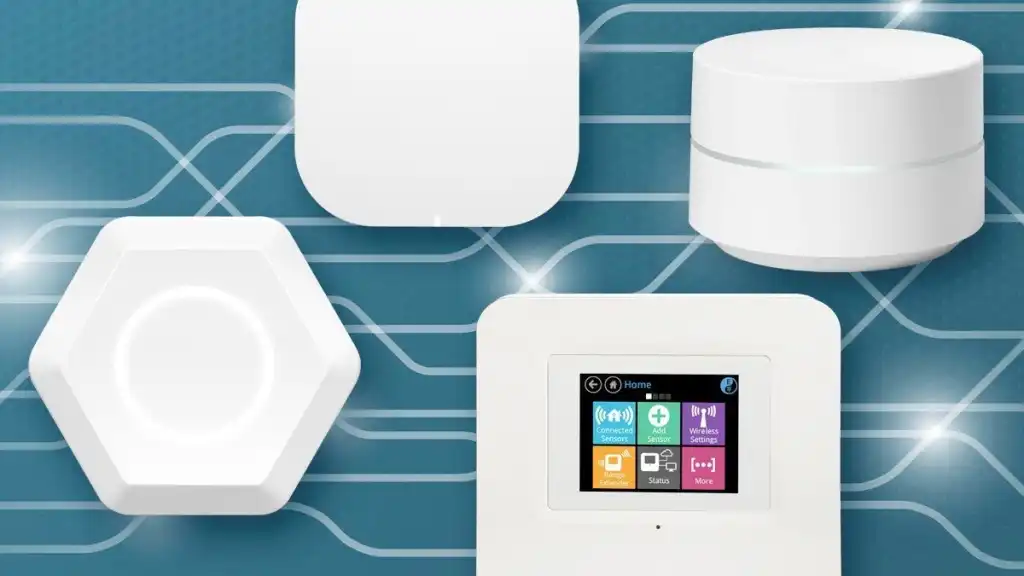
Stability matters more than raw speed in a smart home environment. Many smart devices, such as cameras, doorbells, and sensors, constantly send and receive small amounts of data. If your WiFi connection drops even briefly, automations can fail, or devices may disconnect. A stable router ensures commands reach devices instantly and reliably. This is especially important for security systems and voice assistants. Investing in a router designed for smart homes reduces frustration, improves automation accuracy, and delivers a smoother everyday experience.
You Might also Like Home Improvement Tips for Renters
Types of WiFi Routers for Smart Homes
Not all WiFi routers are designed the same, and choosing the right type can significantly impact your smart home performance. The two most common options are traditional single-router systems and mesh WiFi systems. Each has its own strengths depending on home size, layout, and number of devices. Understanding these differences helps you avoid dead zones, reduce signal interference, and ensure consistent coverage for all smart devices throughout your living space.
Traditional Single-Router Systems
Traditional routers use a single unit to broadcast WiFi across your home. They work well for small apartments or homes with minimal walls and fewer smart devices. However, as the number of connected devices increases, performance can drop. Signal strength may weaken in distant rooms, leading to unreliable connections for smart gadgets. While affordable, single-router systems often struggle to meet the demands of modern smart homes with heavy device usage.
Mesh WiFi Systems for Whole-Home Coverage
Mesh WiFi systems use multiple nodes placed around your home to create a unified network. Instead of relying on one router, each node works together to deliver strong, consistent coverage everywhere. This setup is ideal for large homes or smart homes with many connected devices. Mesh systems reduce dead zones, improve stability, and allow smart devices to stay connected even when moving between rooms. For most smart homes, mesh WiFi is the most reliable solution.
Understanding WiFi Standards for Smart Homes
WiFi standards play a major role in determining how well your smart home performs. Newer standards offer better speed, efficiency, and device handling compared to older ones. Choosing a router with the right WiFi standard ensures smoother streaming, faster response times, and improved reliability for smart devices. As smart homes grow more complex, modern WiFi standards become essential for maintaining performance today while preparing for future technology upgrades.
WiFi 5 vs WiFi 6 vs WiFi 6E
WiFi 5 is still usable but struggles with multiple connected devices. WiFi 6 improves efficiency, supports more devices, and reduces congestion, making it ideal for smart homes. WiFi 6E goes a step further by using the 6GHz band, offering cleaner channels and faster speeds. For most smart homes, WiFi 6 provides the best balance of performance and value, while WiFi 6E suits power users with heavy device loads.
Is WiFi 7 Necessary for Smart Homes?
WiFi 7 is the latest standard, promising extremely high speeds and ultra-low latency. However, most smart devices don’t yet support it. While WiFi 7 routers are impressive, they are expensive and often unnecessary for current smart home needs. Unless you want maximum future-proofing, WiFi 6 or 6E is more than enough. For most users, WiFi 7 is optional rather than essential at this stage.
Coverage Range and Signal Strength Requirements
Coverage is one of the biggest deciding factors when choosing a WiFi router for a smart home. Smart devices are often placed in different rooms, garages, or even outdoor areas. If your router can’t reach these spots, devices may disconnect or respond slowly. That’s why smart homes benefit from routers with strong antennas, beamforming technology, or mesh support. Good coverage ensures consistent performance, smoother automations, and reliable connectivity across the entire home.
How Many Smart Devices Can a Router Handle?
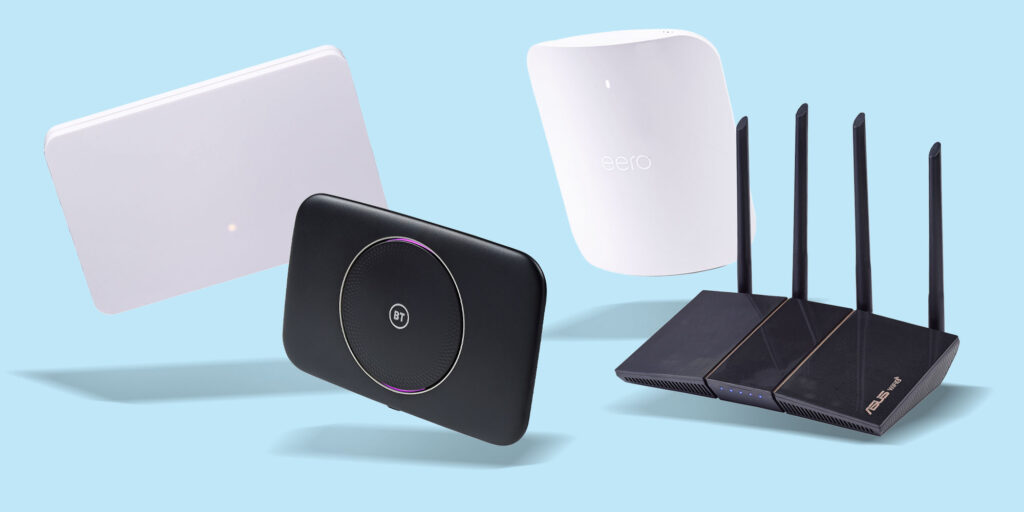
A typical smart home can easily have 20 to 50 connected devices, and larger setups may exceed that number. Many older routers struggle when too many devices are connected at once. Modern smart home routers are designed to manage high device counts efficiently using technologies like MU-MIMO and OFDMA. These features allow the router to communicate with multiple devices simultaneously instead of one at a time. Choosing a router with high device capacity prevents slowdowns and keeps everything running smoothly.
You Might also Like Laptop Buying Guide for Students
Speed and Bandwidth Requirements for Smart Devices
Smart devices don’t always need extreme speeds, but they do require consistent bandwidth. Security cameras, video doorbells, and smart TVs consume more data than simple sensors or bulbs. If your router can’t handle this mix properly, performance issues appear. A good smart home router balances bandwidth across devices so no single gadget dominates the network. While gigabit speeds are nice, stability and efficient traffic handling are more important for maintaining a responsive smart home experience.
Dual-Band vs Tri-Band Routers Explained
Dual-band routers operate on 2.4GHz and 5GHz frequencies, which is sufficient for many smart homes. The 2.4GHz band offers better range, while the 5GHz band provides faster speeds. Tri-band routers add an extra 5GHz or 6GHz band, reducing congestion when many devices are connected. For smart homes with heavy traffic, tri-band routers offer smoother performance and fewer interruptions. While dual-band routers are budget-friendly, tri-band options are better suited for device-heavy environments.
Security Features Every Smart Home Router Must Have
Smart home devices constantly communicate over the internet, making security a top priority. A weakly secured router can expose your entire home network to cyber threats. That’s why modern smart home routers include advanced protection tools like encryption, firewalls, and real-time threat detection. Strong security keeps personal data safe and prevents unauthorized access to cameras, locks, and other connected devices. Investing in a secure router protects both your privacy and your smart home ecosystem.
WPA3 Encryption and Network Protection
WPA3 is the latest WiFi security standard and a must-have for smart homes. It provides stronger encryption and better protection against brute-force attacks compared to older protocols. WPA3 ensures that even if someone tries to access your network, your data remains secure. Many smart devices rely on constant connectivity, so using modern encryption helps protect them from vulnerabilities. Routers with WPA3 support offer peace of mind and long-term security benefits.
Built-in Firewall and Automatic Updates
A built-in firewall adds an extra layer of protection by monitoring incoming and outgoing network traffic. It helps block suspicious activity before it reaches your devices. Automatic firmware updates are equally important, as they patch security flaws and improve performance over time. Routers that update themselves ensure your network stays protected without manual effort. Together, these features create a safer and more reliable smart home network.
Smart Home Platform Compatibility
Not all routers work seamlessly with popular smart home platforms. Compatibility with systems like Alexa, Google Home, and Apple HomeKit improves integration and ease of use. Some routers even allow voice commands or app-based controls for managing network settings. Choosing a router that supports your preferred smart home ecosystem simplifies setup and ensures better device communication. This compatibility makes managing both your WiFi network and smart devices more intuitive and user-friendly.
Alexa, Google Home, and Apple HomeKit Support
Routers that integrate with Alexa or Google Home allow basic controls through voice commands, such as enabling guest networks or checking connection status. Apple HomeKit-compatible routers offer enhanced privacy controls for smart devices. This level of integration improves user experience and adds convenience. While not essential, platform support can be a valuable bonus for users deeply invested in a specific smart home ecosystem.
Best WiFi Routers for Smart Homes (Top Picks)
Choosing the best WiFi router for a smart home depends on performance, coverage, and how well it manages multiple devices. Top smart home routers offer strong signal stability, modern WiFi standards, and intelligent traffic management. These routers are designed to keep smart lights responsive, security cameras online, and voice assistants working without delay. They also include companion apps for easy setup and monitoring. While premium models offer advanced features, even mid-range options can deliver excellent smart home performance when chosen carefully.
Best Mesh WiFi Systems for Large Smart Homes
Large smart homes often struggle with dead zones and weak signals when using a single router. Mesh WiFi systems solve this problem by spreading multiple nodes across the home. Each node works together to create a single, seamless network. This ensures smart devices stay connected regardless of location. Mesh systems are especially helpful for multi-story homes and houses with thick walls. They offer consistent speeds, improved reliability, and better overall smart home automation performance without manual switching between networks.
Best Budget WiFi Routers for Smart Home Users
Not every smart home requires an expensive router. Budget-friendly WiFi routers can still handle basic smart home needs such as smart bulbs, plugs, thermostats, and voice assistants. These routers usually support dual-band WiFi and essential security features. While they may lack advanced controls or ultra-fast speeds, they provide stable connectivity for small to medium-sized homes. For beginners or renters building a smart home setup, budget routers offer a practical and affordable starting point.
Router Placement Tips for Maximum Performance
Even the best router can perform poorly if placed incorrectly. Positioning your router in a central, open location helps distribute signals evenly throughout the home. Avoid placing it near thick walls, metal objects, or electronic appliances that cause interference. Elevating the router slightly can also improve coverage. For mesh systems, placing nodes evenly across the home ensures smooth handoffs between devices. Proper placement reduces dropouts, strengthens signals, and improves smart device responsiveness.
Common WiFi Problems in Smart Homes and Solutions
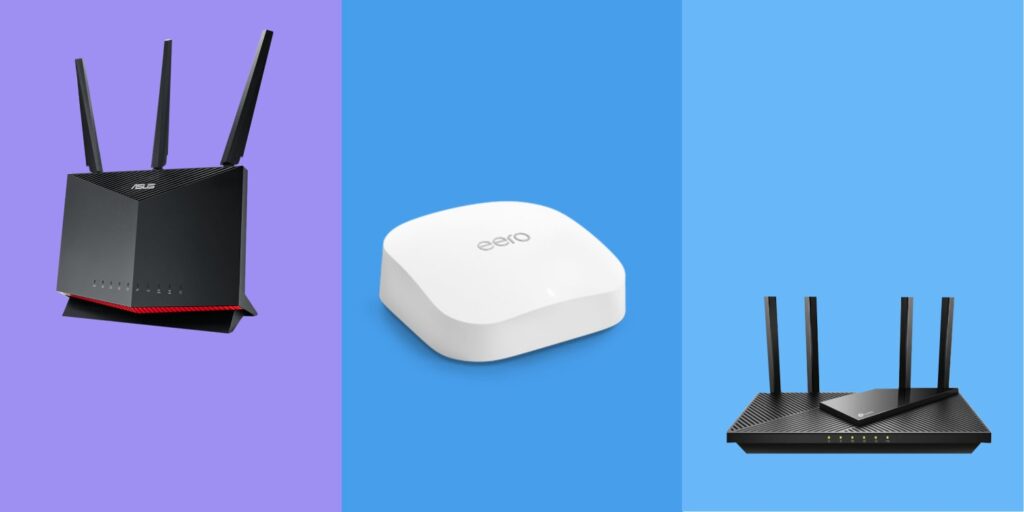
Smart homes can face WiFi issues such as slow response times, random disconnections, or weak signals in certain rooms. These problems often stem from congestion, interference, or outdated hardware. Upgrading to a modern router, switching channels, or using a mesh system can resolve most issues. Separating smart devices onto a dedicated network can also improve stability. Regular firmware updates and proper router placement further reduce performance problems and ensure reliable smart home operation.
You Might also Like Top Smart Gadgets for Daily Life
How to Future-Proof Your Smart Home Network
Future-proofing your smart home network means preparing for more devices and newer technologies. Choosing a router that supports modern WiFi standards like WiFi 6 or WiFi 6E ensures better performance over time. Look for routers with strong hardware, long-term firmware support, and expandable features like mesh compatibility. As smart homes grow more complex, having a router that can scale with your needs saves money and avoids frequent upgrades.
Final Verdict
The best WiFi router for your smart home depends on home size, device count, and performance expectations. Small homes may do well with a reliable dual-band router, while larger or device-heavy homes benefit more from mesh systems. Prioritize stability, coverage, and security over raw speed. A well-chosen router improves automation reliability, device responsiveness, and overall smart home experience. Investing in the right router today ensures a smoother, smarter, and more connected home tomorrow.
Read More Informative Information At Mypasokey