
Document Scanning Fundamentals
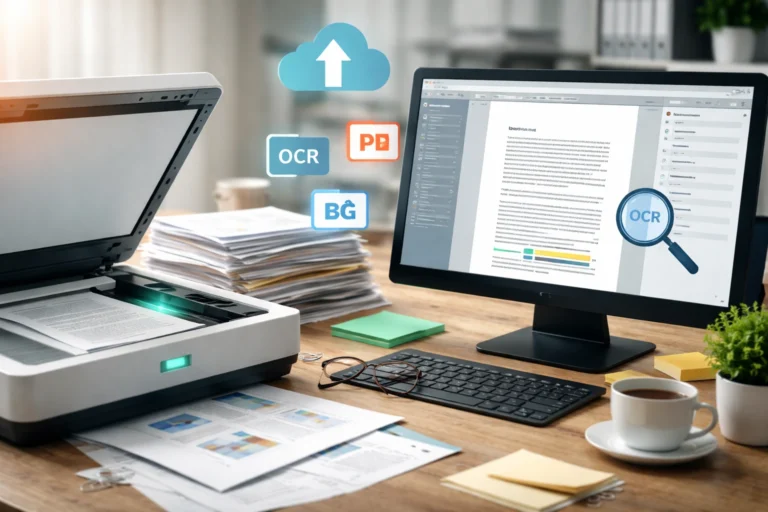
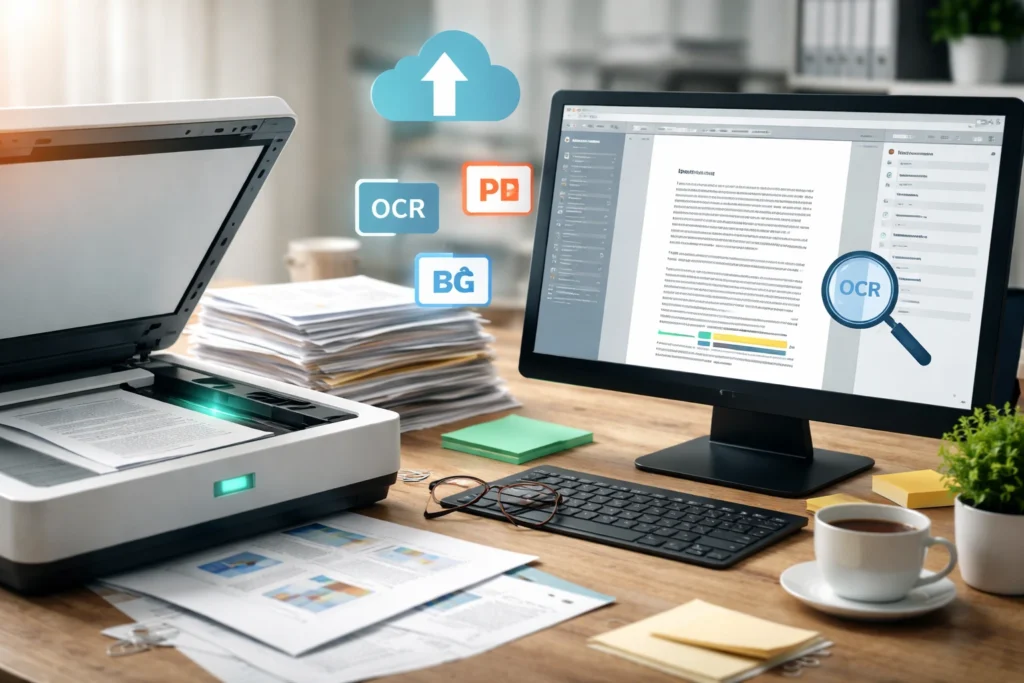
Document scanning is the technical process of converting physical papers into structured digital files using optical imaging systems and data processing software. At its core, a scanner captures light reflected from a document and translates it into millions of tiny data points called pixels. These pixels are then organized into a digital image that your computer can store, edit, or share. Unlike simple photocopying, scanning creates a long-term digital asset. Businesses use it for compliance, archiving, collaboration, and workflow automation, while individuals rely on it for preserving records securely and accessibly.
Scanner Hardware Architecture
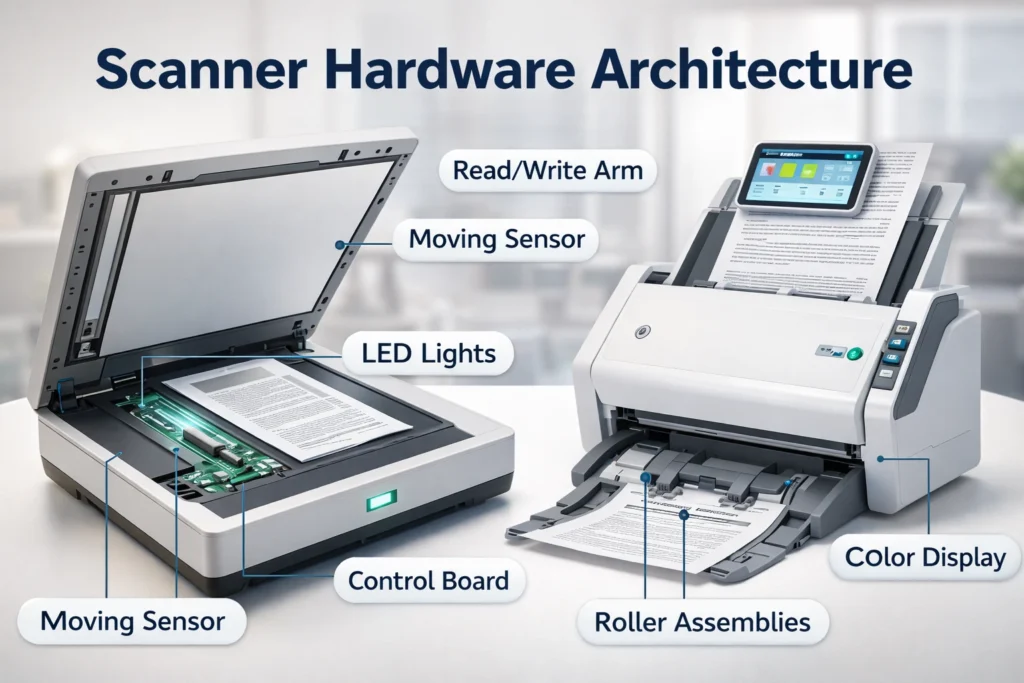
A scanner may look simple from the outside, but internally it combines precision optics, sensors, mirrors, lenses, and motion control systems. When a document is placed on the glass or fed through an automatic feeder, a light source illuminates the surface evenly. The reflected light is directed toward an image sensor that converts optical information into electrical signals. These signals are processed by an internal analog-to-digital converter, transforming them into binary data. This carefully synchronized hardware architecture ensures accurate image capture, consistent clarity, and minimal distortion during high-resolution scanning operations.
You Might also Like: Eco-Friendly Home Improvement Ideas for Energy-Efficient Living
Optical Capture & Sensor Mechanics
Optical capture is the heart of document scanning. The scanner’s light source moves steadily across the page, illuminating text and graphics line by line. As light reflects from the paper, the sensor measures variations in brightness and color intensity. Dark text absorbs more light, while lighter areas reflect more. The sensor records these differences as electrical signals. These signals are then translated into digital values representing color and brightness levels. This precise mechanical and optical coordination ensures that even small fonts, signatures, and fine details are captured with measurable accuracy and clarity.
CCD vs CIS Sensor Technology
Two primary sensor technologies dominate modern scanners: CCD and CIS. CCD sensors use mirrors and lenses to capture highly detailed images with better depth and color accuracy, making them ideal for professional or archival scanning. CIS sensors, on the other hand, are compact, energy-efficient, and commonly found in lightweight office scanners. While slightly less precise in color reproduction, CIS technology offers speed, affordability, and sufficient clarity for everyday business document digitization tasks.
Pixel Mapping & Digital Rendering
Once light data is captured, the scanner converts it into pixels arranged in a grid structure. Every pixel stores numeric data that defines its color values and light intensity.
This process, known as pixel mapping, transforms analog light variations into structured digital images. The higher the resolution, the more pixels are used, resulting in sharper output. Digital rendering software then refines edges, balances contrast, and adjusts color profiles. The result is a clean, readable image file that visually mirrors the original document while being fully compatible with modern digital storage systems.
End-to-End Scanning Workflow
An effective scanning process follows a structured workflow to ensure speed and accuracy. It typically begins with document preparation, such as removing staples, aligning pages, and sorting by size. Next, scanner settings are configured based on resolution, color mode, and file format. The actual scan captures each page and converts it into image data. After scanning, quality checks are performed to identify skewed pages or missing sections. Finally, files are named, indexed, and stored in organized folders or document management systems. This streamlined workflow reduces errors, improves productivity, and ensures consistent digital output.
DPI Optimization & Resolution Control
DPI, or dots per inch, directly impacts the clarity and size of a scanned file. A higher DPI captures more detail, making it suitable for photographs or small text. Standard business documents usually require 300 DPI for clear readability without excessive file size. Choosing the correct resolution is critical because overly high settings create large files that slow storage systems and email transfers. Modern scanners allow flexible DPI adjustment depending on the document’s purpose. Smart resolution control balances image quality, processing speed, and storage efficiency for optimal digital document management.
Advanced Color Mode Configuration
Scanners offer multiple color modes, including full color, grayscale, and black-and-white. Full color preserves visual details in marketing materials or graphics-heavy documents. Grayscale reduces file size while maintaining depth for text and shaded areas. Black-and-white mode maximizes contrast and minimizes storage requirements for text-only pages. Selecting the appropriate color configuration improves OCR accuracy, enhances readability, and prevents unnecessary data expansion during digital conversion processes.
Digital File Encoding Formats
After scanning, the captured image must be saved in a specific file format. PDF is the most common choice because it preserves layout and supports searchable text layers. JPEG is ideal for image-based content but uses compression that may reduce quality. TIFF is preferred for archival purposes due to its high-resolution and lossless storage capabilities. PNG provides sharp images with efficient compression for web use. Selecting the correct format depends on storage needs, compliance requirements, and whether the document must remain editable or simply viewable.
OCR Engine & Text Recognition
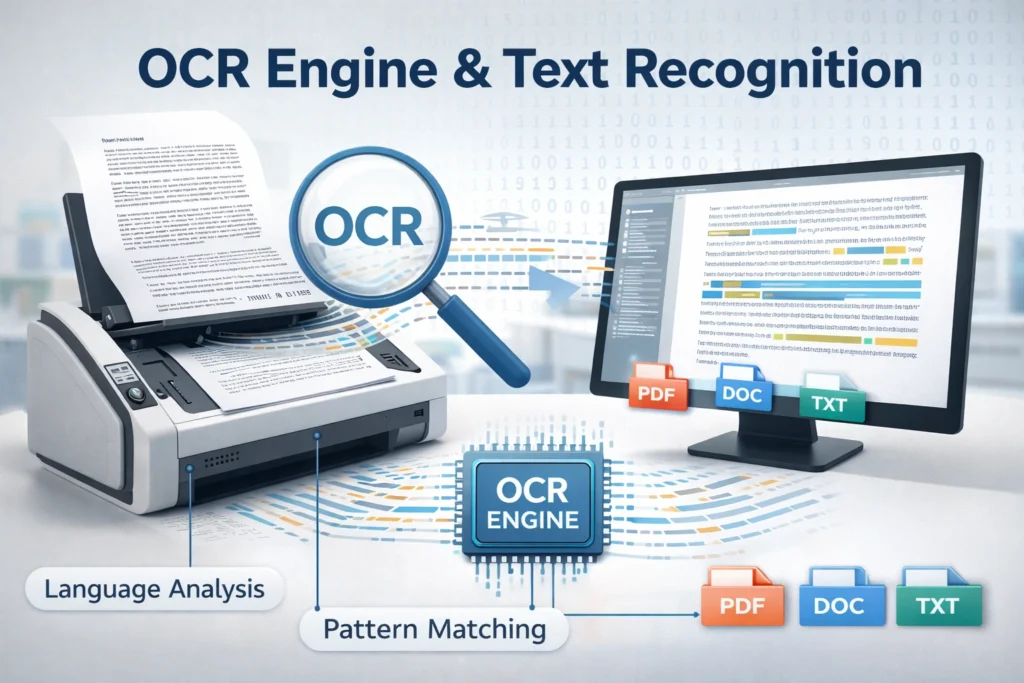
Optical Character Recognition, commonly known as OCR, transforms scanned images into editable and searchable text. Without OCR, a scanned document remains a static image. The OCR engine analyzes letter shapes, patterns, and spacing to identify characters. It then converts these patterns into machine-readable text data. Modern OCR systems use intelligent algorithms to improve recognition accuracy, even with slightly blurred or skewed documents. This technology allows users to search keywords within PDFs, copy text, and integrate scanned data into digital workflows seamlessly.
You Might also Like: How Tablets Transform Study and Work Efficiency
Image-to-Text Conversion Pipeline
The OCR process begins with image preprocessing, where noise is removed, and alignment is corrected. Next, the system segments the image into lines, words, and characters. Pattern recognition algorithms compare these shapes against language databases. Finally, the recognized text is reconstructed into a structured digital format, preserving paragraph spacing and layout for practical usability.
Image Processing & Enhancement Algorithms
Modern scanners do more than just capture images; they refine them using intelligent enhancement algorithms. After scanning, the software automatically corrects skewed pages, adjusts brightness and contrast, and removes background noise. De-speckling tools eliminate random dots caused by dust or paper texture. Edge detection sharpens text boundaries for improved readability and OCR accuracy. Some systems even perform automatic cropping and blank-page removal. These enhancements ensure that the final digital file is clean, professional, and easy to process. Advanced image processing significantly improves data extraction reliability and long-term archival quality.
Duplex & ADF Automation Systems
Automation plays a major role in high-volume document digitization. Duplex scanning allows both sides of a page to be captured in a single pass, reducing time and manual effort. Automatic Document Feeders (ADF) handle multiple pages continuously without requiring individual placement on the scanner glass. These systems are essential for offices managing contracts, invoices, or compliance records daily. By minimizing manual handling, duplex and ADF technologies increase operational efficiency, reduce human error, and maintain consistent scan alignment across large document batches.
High-Volume Batch Processing
Batch processing enables hundreds or even thousands of pages to be scanned in a structured sequence. Files can be automatically separated, renamed, and routed into predefined folders. This automation accelerates large-scale digitization projects while maintaining accuracy and organizational consistency.
Metadata Structuring & File Indexing
Scanning alone does not make documents easily retrievable; proper indexing does. Metadata such as file name, date, document type, and reference numbers is embedded within the digital file. This structured data allows businesses to search, filter, and retrieve documents instantly. Advanced systems integrate scanned files into document management platforms where tagging and categorization happen automatically. Effective indexing reduces retrieval time, supports compliance audits, and enhances collaboration across departments. Without metadata structuring, even well-scanned documents can become difficult to locate in growing digital archives.
Scan Accuracy & Error Mitigation
Maintaining high scan accuracy requires attention to both hardware settings and document condition. Common issues include blurred text, skewed alignment, low contrast, and incomplete page capture. Regular scanner calibration ensures optimal sensor performance. Selecting the correct DPI and color mode prevents unnecessary quality loss. Clean scanner glass and properly aligned pages reduce distortion. Quality assurance checks after scanning help identify errors early. By implementing preventive measures and validation steps, organizations can significantly reduce rescanning efforts and maintain consistent digital document standards.
Preventive Quality Control Measures
Routine maintenance, software updates, and operator training play a critical role in preventing scanning errors. Establishing standardized scanning protocols ensures consistency across teams and reduces the risk of data inaccuracies.
Data Security in Document Digitization
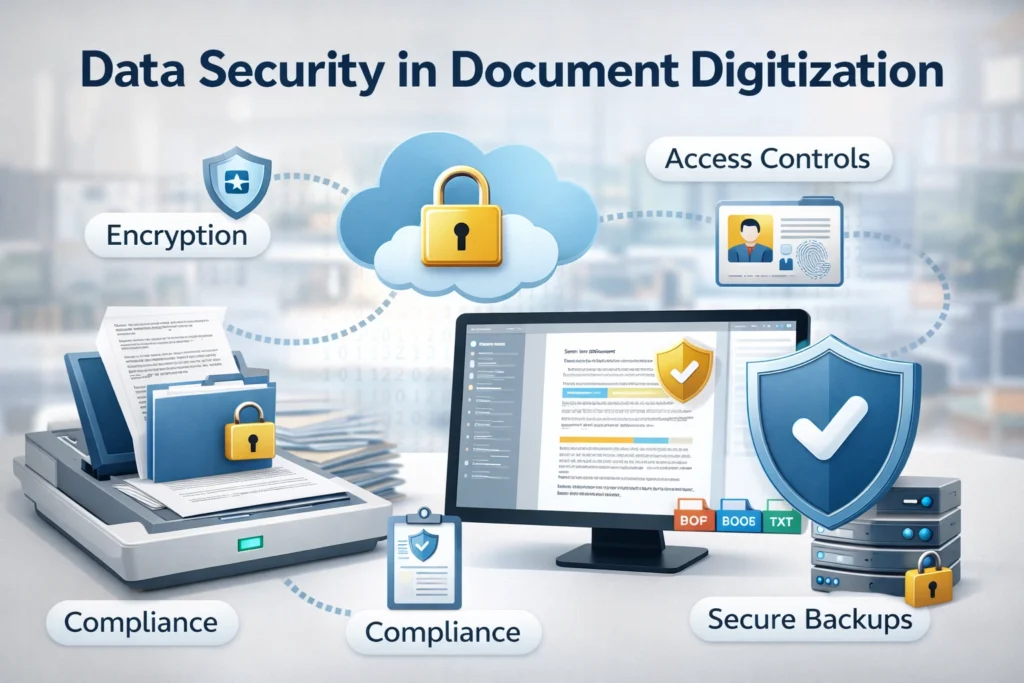
Security is a critical component of digital document conversion. Once documents are scanned, they often contain sensitive financial, legal, or personal information. Encryption protects files during transfer and storage. Access controls limit viewing or editing permissions to authorized users only. Reliable cloud storage platforms provide data redundancy and built-in disaster recovery capabilities to ensure information remains protected and accessible. Some scanners also include password-protected PDF creation for additional protection. Implementing strong cybersecurity practices ensures that digital records remain confidential, compliant with regulations, and safeguarded against unauthorized access or data breaches.
Conclusion
Document scanning is far more than simply copying paper into a computer. It is a structured, technology-driven process that combines optical capture, sensor precision, resolution control, file encoding, and intelligent OCR systems to transform physical documents into secure, searchable digital assets. From hardware architecture to automation workflows and metadata indexing, every step plays a role in ensuring accuracy and efficiency.
As organizations continue shifting toward digital operations, understanding how scanners convert documents into digital files becomes increasingly valuable. With the right settings, proper workflows, and strong security practices, businesses and individuals can build organized, accessible, and future-ready digital archives that improve productivity and long-term information management.
Read More Informative Information At Mypasokey