
How Tablets Are Used for Study and Work
Digital Transformation in Learning & Work
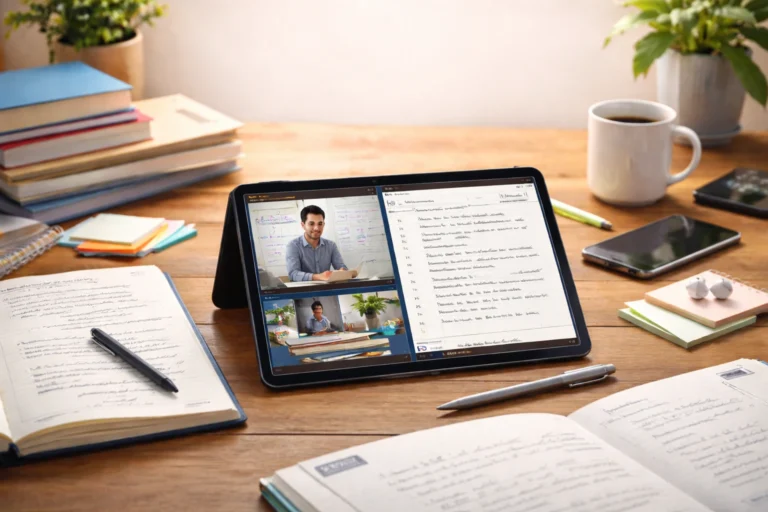
The way we study and work has changed dramatically over the past decade. Tablets sit right at the center of this digital transformation. What once required stacks of books, desktop computers, and printed documents can now be managed on a single lightweight device. Students attend virtual classes, annotate PDFs, and collaborate in real time. Professionals join meetings, edit reports, and manage projects remotely. Tablets bridge the gap between mobility and productivity, offering flexibility without sacrificing performance. As education and workplaces evolve, tablets are becoming powerful tools that support speed, convenience, and smarter digital workflows.
Why Tablets Are Replacing Traditional Tools
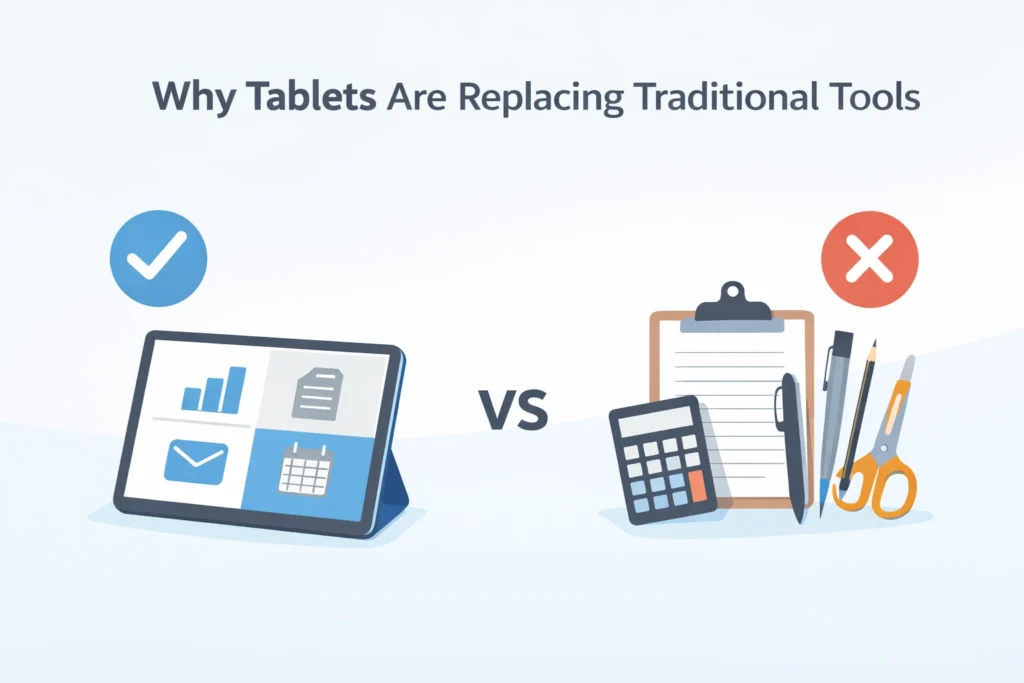
Traditional notebooks, printed textbooks, and even laptops are slowly being complemented or replaced by tablets. One key reason is portability. Tablets are slim, lightweight, and easy to carry anywhere. Another major advantage is versatility. With a touchscreen and stylus support, tablets combine reading, writing, and multimedia interaction in one device. Instead of carrying separate tools, users manage everything digitally. Updates are instant, storage is cloud-based, and collaboration is seamless. For both students and professionals, tablets reduce physical clutter while improving access to resources, making them practical alternatives to conventional study and office tools.
You Might also Like: How Air Purifiers Clean Indoor Air | Expert Guide
Academic Advantages of Tablets
Tablets provide a structured yet flexible academic environment. Students can store thousands of books, research papers, and notes without physical space limitations. Built-in apps help organize assignments, deadlines, and revision materials in one place. Search functions make finding information quick and efficient, saving valuable study time. Unlike traditional books, digital materials can be updated instantly, ensuring access to the latest information. Tablets also support multimedia learning, combining video, audio, and text, which strengthens comprehension. By centralizing study resources into one device, tablets create a streamlined academic experience designed for modern learners.
Interactive Learning Ecosystems
Tablets encourage interactive learning rather than passive reading. Students can watch instructional videos, participate in quizzes, and engage with simulation apps that explain complex topics visually. This interactive ecosystem keeps learners involved and improves retention. Instead of memorizing content mechanically, students actively explore subjects through multimedia tools, which makes learning more dynamic and engaging.
Instant Access to Knowledge Resources
With a tablet, information is always within reach. Students can access digital libraries, online journals, and educational platforms in seconds. Quick search capabilities reduce research time and improve efficiency. This immediate access allows learners to verify facts, explore additional explanations, and expand their understanding without waiting or switching devices.
Smart Note-Taking & Workflow Management
Modern tablets transform note-taking into an organized digital system. Students and professionals can type notes, write with a stylus, record audio, and attach images all within one document. Notes become searchable, editable, and easy to categorize. Cloud synchronization ensures content is never lost and accessible across devices. For workflow management, task apps and digital planners help users track deadlines and priorities efficiently. Instead of flipping through notebooks, everything is structured digitally. This smarter organization enhances productivity, reduces stress, and keeps both academic and professional responsibilities under control in a practical way.
Tablets in Remote & Hybrid Education
Remote and hybrid learning models have increased reliance on tablets. These devices allow students to attend virtual lectures, download assignments, and participate in online discussions from anywhere. Built-in cameras and microphones support seamless video conferencing, while split-screen features enable multitasking during classes. Tablets also help students record sessions for later review, reinforcing understanding. In hybrid classrooms, they act as bridges between physical and digital learning environments. By supporting flexibility and connectivity, tablets ensure education continues smoothly regardless of location, making them essential tools in modern academic systems.
Collaborative Learning Through Cloud Integration
Tablets make collaboration simple and efficient through cloud-based platforms. Students can work on shared documents, presentations, and spreadsheets in real time without needing to be in the same room. Edits sync instantly, reducing confusion and version errors. Group projects become more organized because every member can access the latest file from anywhere. Teachers can also review assignments digitally and provide immediate feedback. This seamless cloud integration promotes teamwork, transparency, and accountability. Instead of emailing multiple attachments back and forth, tablets create a connected learning ecosystem where collaboration feels natural and productive.
Tablets as Instructional Tools for Educators
Educators increasingly rely on tablets to enhance classroom instruction and lesson planning. Teachers use tablets to present multimedia lessons, manage digital attendance, and monitor student progress through learning platforms. Interactive whiteboard apps allow instructors to explain concepts visually and save notes for later sharing. Tablets also simplify grading and assignment distribution, reducing paperwork and administrative time. By integrating educational apps, teachers can personalize lessons to match different learning speeds. This flexibility enables educators to create more engaging and adaptive classrooms, where technology supports teaching rather than distracting from it.
Accessibility & Inclusive Learning Design
One of the strongest advantages of tablets is the built-in accessibility features. Tools like text-to-speech, speech-to-text, screen magnification, and adjustable font sizes make learning easier for students with diverse needs. These features promote inclusivity by ensuring that learners with visual, auditory, or motor challenges can participate equally. Tablets allow users to customize display settings for comfort, reducing eye strain and improving readability. Inclusive learning design ensures that no student feels limited by traditional materials. By adapting to individual needs, tablets help create equitable educational opportunities for all learners.
Enterprise Adoption of Tablets
Businesses across industries are adopting tablets to streamline operations and enhance mobility. Sales teams use tablets for on-site presentations and instant product demonstrations. Healthcare professionals access patient data securely at the point of care. Retail staff manage inventory and process transactions directly from the sales floor. Tablets reduce dependency on fixed workstations, enabling employees to work efficiently in dynamic environments. Their portability, combined with powerful applications, makes them valuable enterprise tools. As companies prioritize agility and digital transformation, tablets continue to play a strategic role in modern business infrastructure.
Core Professional Tasks on Tablets
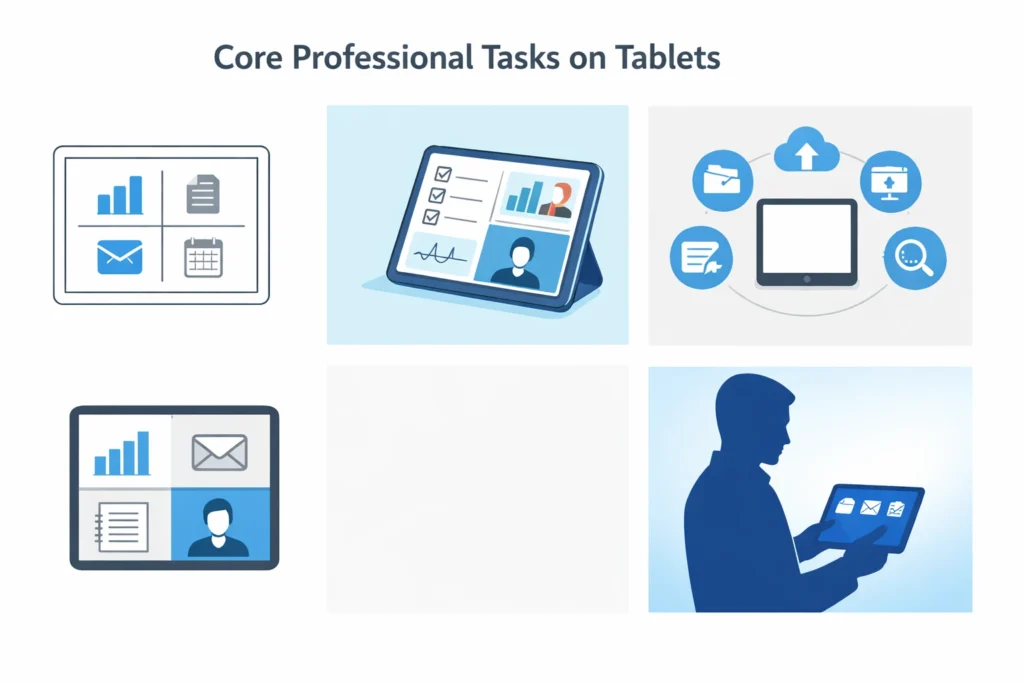
Tablets are fully capable of handling everyday professional responsibilities. From drafting reports to managing communication channels, they function as compact productivity hubs. Cloud integration allows seamless access to business files, while keyboard attachments improve typing efficiency. Professionals can review contracts, edit spreadsheets, and annotate PDFs during travel or remote work sessions. With secure login systems and encrypted applications, sensitive data remains protected. Tablets provide the convenience of mobility without sacrificing essential business functionality, making them practical tools for entrepreneurs, remote employees, and corporate teams alike.
You Might also Like: Classroom 20x: Next-Level Personalized Learning
Communication & Schedule Optimization
Tablets simplify communication by centralizing email, messaging apps, and video conferencing tools. Professionals can respond to emails, attend virtual meetings, and manage calendars in one interface. Real-time notifications ensure no important updates are missed. Integrated scheduling tools help optimize daily workflows, improving time management and reducing overlapping commitments.
Mobile Document Creation & Editing
With advanced productivity apps, tablets allow users to create and edit documents efficiently. Professionals can draft proposals, update spreadsheets, and design presentations on the go. Stylus support enables quick annotations and digital signatures. This flexibility ensures that important work continues uninterrupted, even outside a traditional office environment.
Tablets vs Laptops: Performance Perspective
The comparison between tablets and laptops often depends on usage needs. Tablets excel in portability, touchscreen interaction, and instant startup. They are ideal for reading, note-taking, presentations, and communication. Laptops, however, may offer stronger processing power for heavy software tasks like video editing or programming. For most study and standard office work, modern tablets provide sufficient performance with added convenience. Detachable keyboards and multitasking features further close the performance gap. Ultimately, tablets serve as efficient alternatives for users who prioritize mobility without compromising everyday productivity.
Productivity-Driven App Ecosystems
The true power of tablets lies in their app ecosystems. Whether running iOS, Android, or Windows, tablets offer thousands of productivity applications designed for study and work. Students can use note-taking apps, task managers, and research tools, while professionals rely on project management software, CRM systems, and cloud storage platforms. These apps integrate seamlessly, creating efficient digital workflows. Automatic syncing ensures files stay updated across devices. With customizable interfaces and regular updates, tablet ecosystems continuously evolve to meet modern demands, making them adaptable tools for both academic and professional environments.
Data Security & Device Management
As tablets become essential for handling academic and business information, security remains a top priority. Modern tablets include encryption, biometric authentication, and secure cloud backups to protect sensitive data. Businesses often implement mobile device management systems to monitor usage and maintain compliance standards. Students also benefit from password protection and remote device tracking in case of loss. Regular software updates strengthen defense against cyber threats. By combining hardware-level security with software safeguards, tablets provide a safe digital workspace that balances accessibility with protection, ensuring user confidence in daily operations.
Limitations & Performance Trade-Offs
Despite their advantages, tablets are not without limitations. Intensive tasks like advanced coding, high-end graphic design, or heavy video rendering may still require more powerful hardware. Extended screen use can also lead to eye strain if not managed properly. Storage limitations may require reliance on cloud services, which depend on internet connectivity. However, many of these challenges can be addressed with accessories, external keyboards, and disciplined usage habits. Understanding these trade-offs allows users to maximize tablet benefits while recognizing when alternative devices may be more appropriate.
Digital Distraction & Cognitive Load
Tablets provide access to endless information, but this convenience can also create distractions. Notifications from social media, entertainment apps, and non-essential alerts may interrupt focus during study or work sessions. Managing screen time, disabling unnecessary notifications, and using focus modes can significantly reduce cognitive overload and maintain productivity.
The Future of Tablet-Centric Work & Study
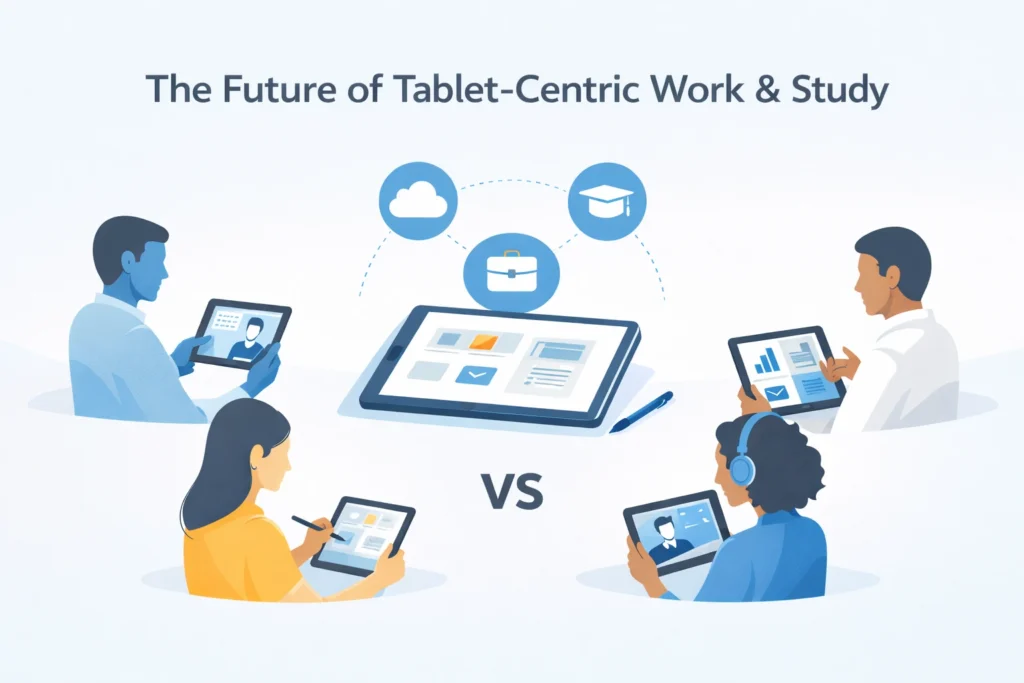
The future of education and professional work is increasingly mobile and technology-driven. Tablets are evolving with stronger processors, improved stylus precision, and AI-powered applications that enhance efficiency. In classrooms, augmented learning tools and adaptive software will personalize education further. In workplaces, tablets will continue supporting hybrid teams and remote collaboration. As cloud computing expands and connectivity improves, tablets are expected to handle even more complex tasks. Their balance of portability, performance, and versatility positions them as long-term contributors to digital productivity in both academic and corporate settings.
Conclusion
Tablets have evolved from simple entertainment devices into powerful tools for education and professional productivity. They combine portability, flexibility, and advanced functionality in a way that supports modern learning and dynamic work environments. From digital note-taking and cloud collaboration to enterprise mobility and secure communication, tablets simplify complex tasks while keeping users connected. Although they may not fully replace high-performance computers in every situation, they offer a balanced solution for most academic and office needs. As technology continues to advance, tablets will remain central to how we study, work, and collaborate in an increasingly digital world.
Frequently Asked Questions (FAQs)
1. Are tablets good for studying?
Yes, tablets support digital notes, eBooks, research access, and interactive learning tools in one device.
2. Can a tablet replace a laptop for work?
For basic office tasks, communication, and document editing, a tablet can effectively replace a laptop.
3. What are the main benefits of tablets in classrooms?
They increase engagement, provide instant access to resources, and support collaborative learning.
4. Are tablets secure for professional use?
Modern tablets include encryption, biometric locks, and secure cloud systems for data protection.
5. Do tablets improve productivity?
Yes, productivity apps, cloud syncing, and portability help users work efficiently from anywhere.
Read More Informative Information At Mypasokey