
Why AI Tools Matter for Beginners in 2026
Artificial intelligence is no longer a technology reserved for developers or large enterprises. In 2026, beginners from every field, students, freelancers, marketers, business owners, and office professionals are using AI tools to save time and improve daily productivity. From writing emails to creating presentations and managing research, AI has become a practical assistant for everyday tasks. The biggest advantage is accessibility. Most modern AI platforms are designed for non-technical users, making adoption easier than ever. Learning how to use the right AI tools now can create a strong advantage in both personal and professional growth.
What Makes an AI Tool Beginner-Friendly?
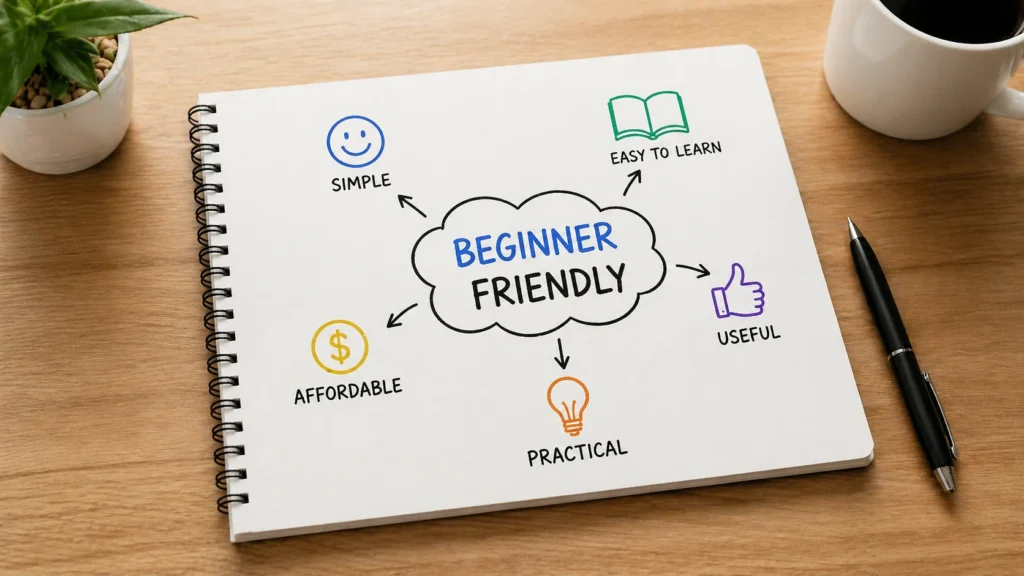
Not every AI platform is suitable for someone just starting out. A beginner-friendly AI tool should be simple to understand, easy to navigate, and useful from the first day of use. Complex dashboards and technical settings often discourage new users, while clean interfaces encourage faster learning. Good beginner tools also offer free plans, tutorials, and helpful customer support. Another important factor is practical relevance. The best tools solve real problems like writing, designing, planning, or researching rather than offering features that feel unnecessary for everyday users.
You might also like: Top 5 Email Marketing Platforms for Growth (2026)
Usability, Accessibility, and Practical Value
The most effective AI tools combine simplicity with strong real-world value. Beginners need platforms that require little training and deliver fast results. Accessibility also matters, especially when tools offer mobile support, browser access, and affordable pricing. Practical value comes from solving daily challenges, not just offering advanced features that most users may never need.
Best AI Tools for Beginners in 2026 – Quick Comparison
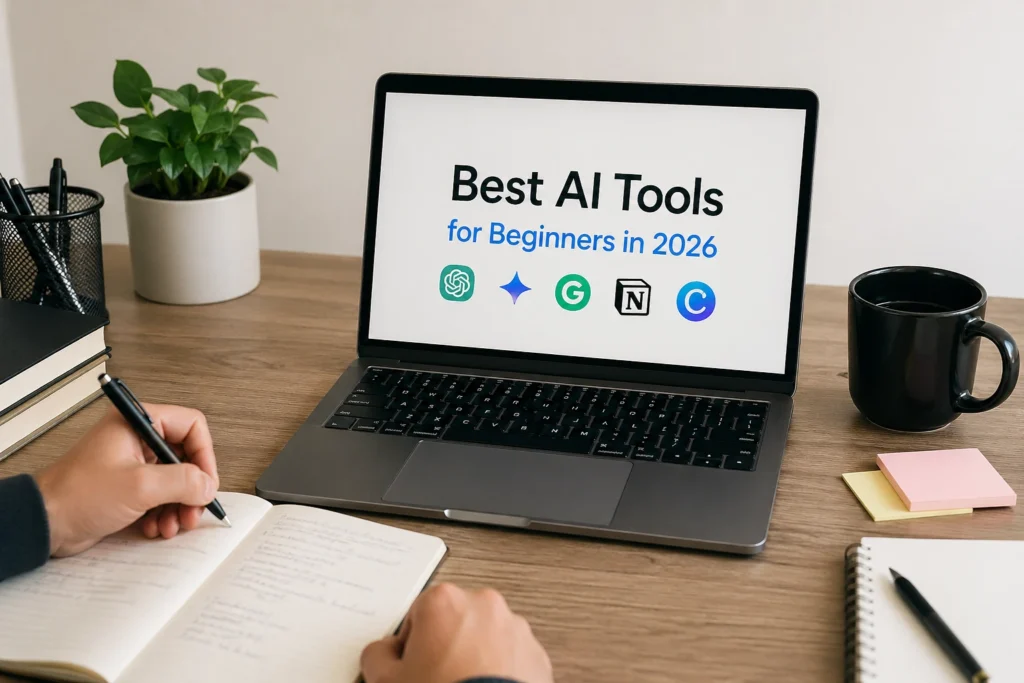
With hundreds of AI platforms available today, choosing the right one can feel overwhelming. Some tools focus on writing, while others specialize in design, automation, research, or productivity management. A quick comparison helps beginners understand which platform fits their needs without wasting time or money. ChatGPT works well for general assistance, Canva AI supports design tasks, and Grammarly improves professional writing. Google Gemini fits users already working inside Google Workspace, while Notion AI helps with organization. Selecting based on purpose is always smarter than simply choosing the most popular option.
ChatGPT – The Best AI Assistant for Beginners
ChatGPT remains one of the most recommended AI tools for beginners because of its flexibility and ease of use. It helps users write content, answer questions, summarize information, brainstorm ideas, and improve productivity across multiple tasks. Unlike niche AI tools, ChatGPT works as an all-in-one assistant for personal and professional use. Its conversational interface makes interaction simple, even for first-time users with no technical knowledge. Beginners especially benefit from its ability to explain complex topics clearly and generate useful results quickly without requiring advanced prompt-writing skills.
Features, Benefits, and Everyday Use Cases
ChatGPT supports writing, research, planning, idea generation, and task management in one place. Beginners use it for emails, blog outlines, study help, meeting summaries, and daily productivity tasks. Its biggest benefit is versatility. Instead of switching between multiple platforms, users can solve many problems using a single AI assistant efficiently.
Google Gemini – Best for Google Workspace Users
Google Gemini is an excellent choice for beginners who already use Gmail, Google Docs, Sheets, and other Google Workspace tools daily. Its biggest strength is seamless integration within the Google ecosystem, allowing users to complete tasks faster without leaving their existing workflow. Gemini helps draft emails, summarize documents, generate spreadsheet insights, and improve meeting productivity. For beginners, this creates a smoother learning experience because the environment already feels familiar. Instead of learning a completely new platform, users simply enhance the tools they already rely on for work and communication.
Canva AI – Best for Simple and Professional Design
Canva AI has made professional design accessible for people with no graphic design experience. Beginners can create presentations, social media posts, business graphics, and marketing materials using simple prompts and ready-made templates. Its AI-powered features help generate images, write design copy, and suggest layouts that look polished and professional. This removes the usual learning curve associated with complex design software. For freelancers, students, and small business owners, Canva AI offers a practical way to create high-quality visual content without hiring a designer or learning advanced design tools.
Grammarly – Best for Better Writing and Communication
Grammarly has become one of the most trusted AI tools for beginners who want to improve writing quality without needing professional editing skills. It helps users correct grammar, spelling, punctuation, tone, and sentence clarity in real time. Whether writing emails, reports, blog posts, or business proposals, Grammarly ensures communication feels more polished and professional. Its suggestions are easy to understand, which makes it especially useful for students, freelancers, and office professionals. Instead of simply fixing mistakes, Grammarly also helps users develop stronger writing habits over time through consistent feedback and guidance.
Improving Emails, Reports, and Content Writing
Grammarly improves everyday writing by checking grammar, refining sentence structure, and adjusting tone for better clarity. Beginners often use it for emails, reports, assignments, and website content. Its biggest advantage is confidence, helping users communicate professionally while reducing errors that may affect credibility or business relationships.
Notion AI – Best for Productivity and Organization
Notion AI is ideal for beginners who want to manage tasks, notes, projects, and documentation in one organized workspace. Unlike traditional note-taking apps, it combines productivity management with intelligent AI support that helps summarize content, generate ideas, and structure information more efficiently. Beginners often struggle with scattered workflows across multiple platforms, but Notion AI simplifies this by centralizing everything in one place. It is especially useful for freelancers, remote teams, and students who need better planning systems. The platform improves both personal organization and professional productivity without feeling overly complicated.
Managing Notes, Tasks, and Workflows Efficiently
Notion AI helps users organize information clearly while reducing manual planning work. It can summarize meeting notes, generate task lists, and structure documents quickly. For beginners, this creates a smoother workflow and better time management. Having everything in one place improves focus and reduces unnecessary digital clutter significantly.
Perplexity AI – Best for Research and Smart Search
Perplexity AI is one of the strongest tools for beginners who need fast, reliable research without spending hours browsing traditional search engines. Unlike standard search platforms, it provides direct answers with cited sources, making information easier to verify and trust. This is especially valuable for students, writers, marketers, and professionals who depend on accurate research for decision-making. Instead of opening multiple websites to find useful insights, users receive structured responses instantly. Its clean interface and fact-focused approach make it a beginner-friendly solution for smarter information discovery and better productivity in research-based tasks.
Faster and More Accurate Information Discovery
Perplexity AI improves research by delivering clear answers supported by reliable sources. Beginners can use it for study, business research, market analysis, and content planning without spending too much time searching manually. Its strongest benefit is speed combined with accuracy, making information gathering far more efficient and dependable.
Microsoft Copilot – Best for Office Productivity
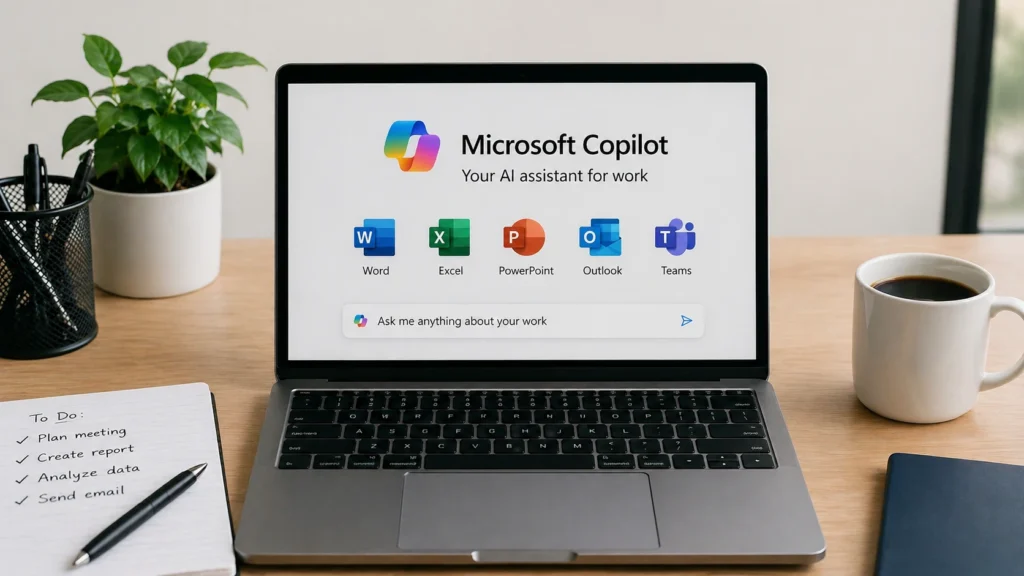
Microsoft Copilot is a powerful AI tool for beginners who work regularly with Word, Excel, PowerPoint, Outlook, and Microsoft Teams. Its biggest advantage is built-in productivity support inside the applications professionals already use every day. Copilot can help draft reports, summarize meetings, create presentations, and analyze spreadsheet data with less manual effort. For office professionals and business users, this improves both speed and decision-making quality. Since it works directly within familiar Microsoft tools, beginners do not need to learn an entirely separate platform, which makes adoption much faster and more practical.
You might also like: Notion vs Evernote: Which Is Better in 2026? | Ultimate Comparison
Free vs Paid AI Tools – Which Is Better?
One of the most common questions beginners ask is whether free AI tools are enough or if premium subscriptions are worth the investment. The answer depends on individual goals and usage frequency. Free plans are excellent for learning basics, testing features, and handling simple everyday tasks like writing, research, or design. Paid plans usually offer better speed, advanced features, higher usage limits, and stronger integrations with business workflows. Beginners should start with free versions first, understand their real needs, and only upgrade when limitations begin affecting productivity or professional growth.
Choosing the Right Plan for Your Needs
Free AI tools work well for students, personal projects, and light professional tasks. Paid plans become valuable when users need advanced automation, faster performance, or team collaboration features. The best approach is starting small, testing practical value, and upgrading only when the return on investment becomes clear.
Common Mistakes Beginners Should Avoid
Many beginners start using AI tools with high expectations, but often make simple mistakes that reduce results and create frustration. One common issue is depending too much on AI without reviewing the output carefully. AI can generate helpful content, but it can also produce errors, outdated facts, or weak context. Another mistake is using poor prompts that lead to vague or low-quality responses. Beginners also ignore privacy concerns by sharing sensitive information without checking platform policies. Understanding these mistakes early helps users build smarter habits and use AI as a support system rather than a complete replacement.
How to Get Better Results from AI Tools
The quality of AI output depends heavily on how users interact with the tool. Beginners often assume AI will understand vague instructions perfectly, but better prompts usually create better results. Clear requests with proper context help AI generate more accurate and useful responses. It is also smart to combine multiple tools instead of depending on only one platform. For example, ChatGPT may help with writing ideas, while Grammarly improves final editing, and Canva AI handles design. Building a simple workflow around AI tools creates stronger productivity and better long-term efficiency.
Better Prompts and Smarter Workflows
Strong prompts should be specific, direct, and focused on clear outcomes. Instead of asking for general help, users should explain the goal, format, and expectations. Combining tools also improves results by letting each platform handle its strengths. This approach saves time and creates a more professional final output consistently.
Future Trends of AI Tools Beyond 2026
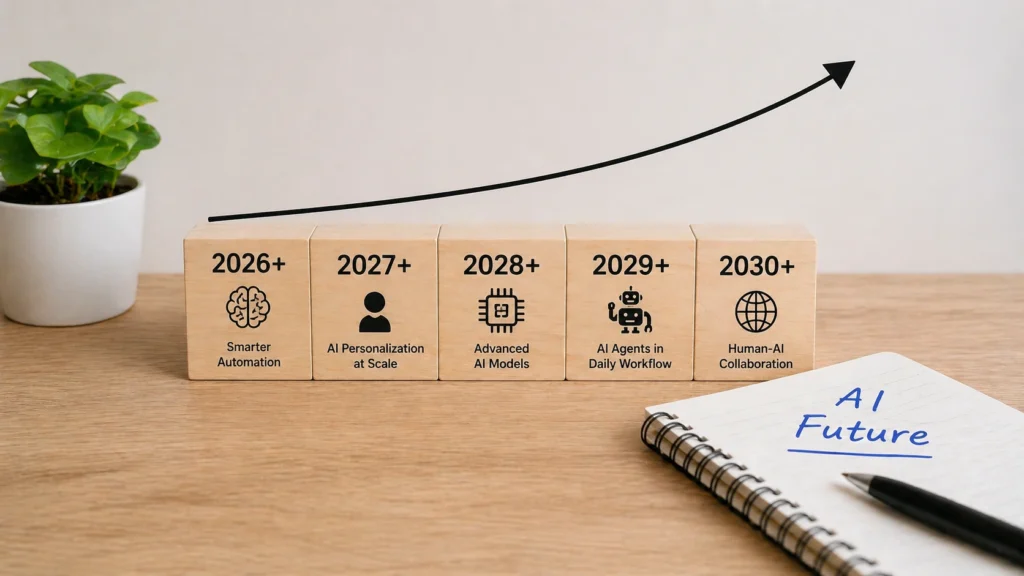
AI tools are evolving rapidly, and the future will move far beyond simple assistants and content generation. The next major shift is the rise of AI agent systems that can complete tasks automatically with minimal human input. Personalized AI workflows will also become more common, where tools adapt to individual habits, preferences, and work styles. Businesses will increasingly use AI for strategic planning, customer support, and advanced automation. For beginners, understanding these future trends is important because early adaptation creates stronger opportunities for career growth and long-term digital success.
AI Agents, Automation, and Personalization
Future AI systems will not only respond to commands but also manage tasks independently. From scheduling meetings to handling customer communication, automation will become more advanced. Personalization will also improve, allowing AI to understand user preferences better. Beginners who learn these systems early will gain a major professional advantage in the coming years.
Conclusion – Choosing Your First AI Tool
The best AI tool for beginners is not always the most advanced one it is the one that solves real problems simply and consistently. Starting with practical tools like ChatGPT, Grammarly, Canva AI, or Google Gemini allows users to build confidence without unnecessary complexity. The goal should be improving productivity, saving time, and making better decisions rather than chasing every new platform. AI works best when used as a smart assistant, not as a shortcut for everything. Beginners who focus on learning one useful tool first usually achieve better long-term results than those trying to master everything at once.
Frequently Asked Questions (FAQs)
Which AI tool is best for absolute beginners?
ChatGPT is often the best starting point because it is simple to use, flexible, and helpful for writing, learning, research, and daily productivity tasks.
Are free AI tools enough in 2026?
Yes, free AI tools are enough for beginners handling basic tasks like writing, design, and research before upgrading to premium plans.
Which AI tool is best for students?
ChatGPT, Perplexity AI, and Grammarly are excellent for students because they support studying, research, writing improvement, and assignment preparation.
Can beginners use AI tools for business growth?
Yes, beginners can use AI tools for content creation, customer communication, workflow management, and marketing to improve business efficiency and growth.
Is it safe to use AI tools for work-related tasks?
Yes, but users should avoid sharing sensitive company data and always review privacy policies before using AI for professional work.
Read More Informative Information At Mypasokey