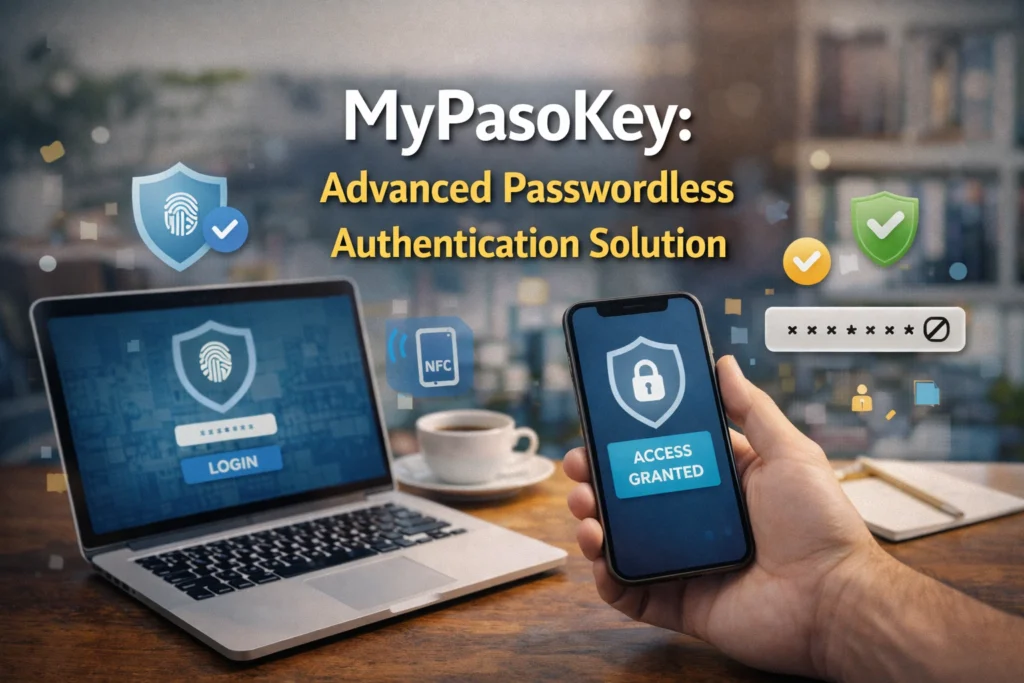

MyPasoKey: Advanced Passwordless Authentication Solution
Introduction: What is MyPasoKey?
In today’s fast-paced digital world, managing passwords is becoming a constant headache. From logging into banking apps to securing emails and business tools, passwords are everywhere, and they’re often the weakest link in online security. That’s where MyPasoKey comes in.
This innovative passwordless authentication system is designed to simplify login experiences while dramatically increasing security.
Unlike traditional password managers that store your passwords, MyPasoKey leverages modern authentication technology to eliminate the need for manually remembering or typing complex passwords.
At its core, MyPasoKey combines device-based security with strong encryption and biometric verification to ensure that only you can access your accounts. Imagine logging into multiple platforms effortlessly, without the fear of phishing attacks, password leaks, or repeated login frustrations. That’s the promise of MyPasoKey, a solution that’s both smart and user-friendly.
Evolution of MyPasoKey
The concept of passwordless authentication isn’t entirely new, but MyPasoKey has taken it to the next level. Traditional systems relied heavily on usernames and passwords, a method that has proven vulnerable over time.
As online threats evolved, cybersecurity experts sought alternatives that provide better security while remaining convenient. MyPasoKey emerged as one of the leading solutions, leveraging cryptographic keys, biometric verification, and device-specific authentication.
Over the years, MyPasoKey has grown beyond a simple authentication tool. It now integrates with browsers, mobile devices, and enterprise systems, making it versatile for both personal users and organizations.
Its evolution reflects a shift in digital security philosophy: instead of forcing users to remember long, complex passwords, the system authenticates them seamlessly while keeping their data safe.
Competing with Legacy Systems
Legacy authentication systems, such as traditional password managers or single-factor login methods, are still widely used. However, they are increasingly inadequate in the face of modern cybersecurity challenges. Phishing, credential stuffing, and data breaches have made it clear that passwords alone cannot provide sufficient protection.
MyPasoKey distinguishes itself by eliminating many of these risks. Instead of storing passwords that can be stolen or guessed, it generates unique cryptographic keys for each account.
This approach makes it nearly impossible for hackers to compromise multiple accounts at once. For tech-savvy users and businesses alike, this is a game-changer, offering a level of security that legacy systems simply cannot match.
Why Modern Authentication Needs to Evolve
Digital identity is evolving faster than ever. With more people working remotely, using multiple devices, and relying on cloud-based services, traditional passwords are showing their limitations. Users struggle to remember dozens of complex passwords, often resorting to unsafe practices like reusing passwords or writing them down.
MyPasoKey addresses this growing problem by offering a passwordless approach. By linking authentication to devices and biometric factors, it removes the human error factor from the equation. This not only improves security but also enhances the user experience, making logins faster and smoother.
The Changing Nature of Digital Identity
Your digital identity is no longer limited to a single device or account. Emails, social media, banking, work applications, and online shopping accounts all form a web of personal data that hackers actively target. This growing complexity means that traditional passwords are no longer sufficient to protect users from cyber threats.
MyPasoKey adapts to this changing landscape by allowing secure logins across multiple devices and platforms.
Whether you’re accessing your email from a laptop, signing into a banking app on your smartphone, or logging into enterprise software from a work computer, MyPasoKey ensures that only you can authenticate successfully. This seamless integration makes it a practical solution for everyday users and business professionals alike.
The Impact of Mobile and Remote Work
The shift to mobile and remote work has changed how we interact with digital services. Employees often access sensitive data from personal devices, public networks, and cloud applications. Each login point presents a potential vulnerability if not properly secured.
By implementing MyPasoKey, companies and individuals can reduce the risk associated with remote work. Device-based authentication ensures that only authorized devices are recognized, while biometric verification adds an extra layer of security.
This approach not only strengthens protection but also reduces the friction often associated with multi-factor authentication systems that rely on codes or tokens.
The Risks of Traditional Password Systems
While passwords have been the standard for decades, they are increasingly failing to provide adequate security. Hackers have developed sophisticated methods like phishing, credential stuffing, and brute-force attacks, which exploit weak or reused passwords. Even complex passwords can be compromised if users fall victim to social engineering or data breaches.
User Behavior Challenges
A major weakness of traditional systems lies in human behavior. Many users rely on simple or repeated passwords across multiple accounts, making it easy for attackers to gain access. Writing down passwords, storing them in insecure locations, or sharing them across devices further amplifies the risk.
Systemic Vulnerabilities
Traditional password storage methods also have technical vulnerabilities. If a server storing hashed passwords is compromised, millions of accounts can be exposed. Even encrypted passwords can be cracked over time with enough computing power. This exposes both personal users and organizations to serious security threats.
By contrast, MyPasoKey mitigates these risks through cryptography and device-based authentication. Since it doesn’t rely on static passwords, there’s no central password database for hackers to target. Each authentication instance is unique, making credential theft far less effective.
Key Features of MyPasoKey
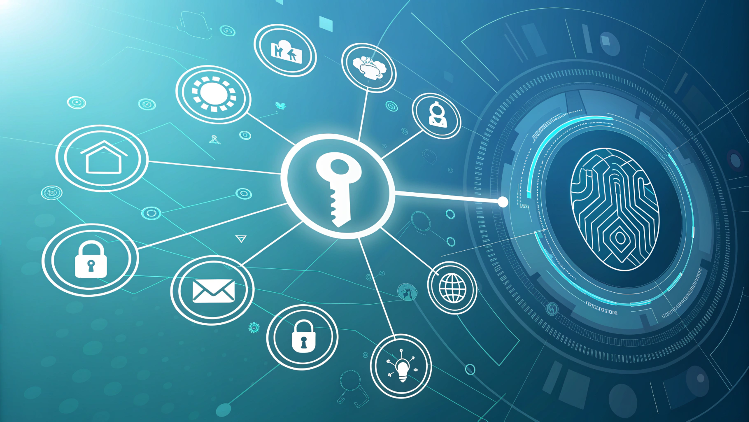
When it comes to secure authentication, MyPasoKey is more than just a password replacement; it’s a full-featured solution designed for both individuals and organizations. One of its most notable features is passwordless login.
By removing the need to memorize long strings of characters, users experience seamless access to their accounts, whether on a laptop, mobile device, or tablet. This is particularly useful for people managing multiple accounts across personal and work platforms.
Another standout feature of MyPasoKey is its device-specific authentication. Every registered device acts as a key, ensuring that even if login credentials are somehow intercepted, unauthorized users cannot gain access from unregistered devices.
For businesses, this means improved control over which employees can access sensitive data, reducing the risk of internal breaches.
The system also includes cross-platform compatibility, allowing users to securely log into apps, web platforms, and enterprise systems without friction.
MyPasoKey integrates with major browsers and operating systems, making it versatile and convenient. Furthermore, it supports single sign-on (SSO), which streamlines workflow by allowing access to multiple applications with a single authentication process.
You Might also Like“What is Fonendi“
User Interface and Ease of Use
One of the reasons MyPasoKey is gaining popularity is its intuitive user interface. Users can easily set up accounts, register devices, and manage access permissions without needing advanced technical knowledge.
The dashboard provides a clear overview of connected devices, active sessions, and authentication history. For businesses, this interface simplifies administrative control, allowing IT teams to monitor security at scale without complicating employee workflows.
Admin Controls for Organizations
For enterprise users, MyPasoKey offers robust admin controls. IT administrators can define access policies, enforce multi-factor authentication, and revoke device permissions instantly if a device is lost or an employee leaves the organization.
These features make it an attractive solution for companies of all sizes, from startups to large corporations, providing both security and operational efficiency.
How Passwordless Authentication Works
At the heart of MyPasoKey is the principle of passwordless authentication, which replaces traditional passwords with a combination of device verification and cryptographic keys.
When a user attempts to log in, the system checks for a registered device and uses cryptography to verify identity without transmitting an actual password. This ensures that sensitive information never leaves the device in an unencrypted form, minimizing exposure to potential hackers.
The passwordless approach also improves user experience. Instead of typing long and complex passwords, users can authenticate with a single tap or biometric check. The process is not only faster but also less error-prone, reducing frustration and login-related support requests.
Device-Based Security
MyPasoKey leverages the security of your personal device. Each registered device holds a unique cryptographic key that is used during the authentication process.
Even if someone gains access to your account credentials, they cannot log in without the device itself. This provides a physical layer of security that traditional password systems cannot match.
For business users, this feature is particularly useful in hybrid or remote work environments. Companies can ensure that only recognized devices access sensitive data, even when employees connect from home networks or public Wi-Fi. It provides peace of mind for IT teams and reduces the likelihood of unauthorized access.
Biometric Integration and Device-Based Security
Biometrics have become a mainstream authentication tool, and MyPasoKey fully embraces this technology. Users can log in using fingerprint scanning, facial recognition, or other supported biometric methods. This not only makes the login process faster but also adds a layer of security that’s extremely difficult to replicate or hack.
Fingerprint, Face Recognition, and Other Biometrics
Biometric authentication in MyPasoKey is designed to work seamlessly across devices. For example, a smartphone user can log into a secure banking app with a fingerprint scan, while a laptop user may use facial recognition. This flexibility ensures that security does not come at the cost of convenience.
What Happens if the Device Is Lost?
While device-based authentication is highly secure, MyPasoKey also provides solutions in case a device is lost or stolen. Users can quickly revoke access from the dashboard, ensuring that the lost device cannot be used to log in.
Recovery options include registering a new device and re-authenticating identity using pre-set recovery methods. This balance between security and flexibility is crucial for modern users who depend on multiple devices.
Encryption and Cryptographic Key Management
One of the core technologies behind MyPasoKey is advanced encryption and key management. Unlike traditional passwords, which can be stored, copied, or phished, MyPasoKey relies on cryptographic keys unique to each account and device.
These keys are generated locally and never transmitted in plain text, meaning even if communication channels are intercepted, the attacker gains nothing useful.
The system uses end-to-end encryption to secure all authentication requests, ensuring that sensitive data remains protected during transmission. For tech-savvy users, this means that security is built into the very design of the platform, not added as an afterthought.
Multi-Factor Authentication (MFA) Support
While MyPasoKey is primarily passwordless, it also supports multi-factor authentication (MFA) for situations requiring additional security. Users can combine device verification, biometrics, and optional OTPs (one-time passwords) for an extra layer of protection.
For organizations, MFA integration is invaluable. Critical accounts and sensitive information can be protected with multiple verification layers, reducing the risk of breaches due to stolen credentials.
MFA also aligns with industry compliance standards, making MyPasoKey suitable for regulated environments like finance, healthcare, and government sectors.
Seamless Cross-Device and Cloud Integration
Another important feature is MyPasoKey’s cross-device compatibility and cloud integration.
Users can access accounts securely from multiple devices without re-entering credentials, thanks to synchronized cryptographic keys and secure cloud storage of authentication metadata. This ensures a consistent experience across laptops, smartphones, and tablets.
The cloud-based synchronization also enables users to remotely manage their devices. Lost devices can be de-authorized instantly, while new devices can be added with a simple authentication flow. For businesses, this capability simplifies IT management and ensures security across an entire workforce.
MyPasoKey for Businesses and Enterprises
For businesses, managing secure access for employees is a constant challenge. Traditional passwords often lead to weak security practices, like repeated passwords or storing them in insecure ways.
MyPasoKey solves this problem by offering device-based authentication combined with biometric verification, making it virtually impossible for unauthorized users to gain access.
Companies can assign role-based access, ensuring that employees only see the information they are authorized to access. IT administrators can monitor device activity, revoke access instantly if a device is lost, and enforce multi-factor authentication where needed.
This not only strengthens security but also simplifies compliance with industry regulations, making MyPasoKey ideal for finance, healthcare, and corporate environments.
Real-World Applications and Use Cases
The flexibility of MyPasoKey makes it suitable for both personal and professional scenarios. For individuals, it provides seamless access to banking apps, email accounts, social media, and e-commerce platforms without the hassle of remembering dozens of passwords. Users can rely on fingerprint or facial recognition for a faster, more secure login experience.
In business settings, MyPasoKey enables secure access to enterprise tools, cloud platforms, and internal systems. Teams working remotely or on multiple devices can authenticate without worrying about compromised credentials.
Organizations benefit from reduced IT support requests related to password resets, freeing resources for other critical tasks.
Potential Challenges and Limitations
While MyPasoKey is highly secure, no system is completely immune to challenges. Device loss, for instance, can temporarily disrupt access, though MyPasoKey provides robust recovery options to quickly regain access.
Another consideration is compatibility with older systems; organizations may need to verify integration capabilities before full deployment.
Additionally, while biometrics are convenient, they are device-specific. Users must ensure that their authentication devices are secure and updated, as compromised hardware could impact access. Despite these challenges, the benefits of MyPasoKey far outweigh the drawbacks for most personal and enterprise users.
MyPasoKey vs. Traditional Password Managers
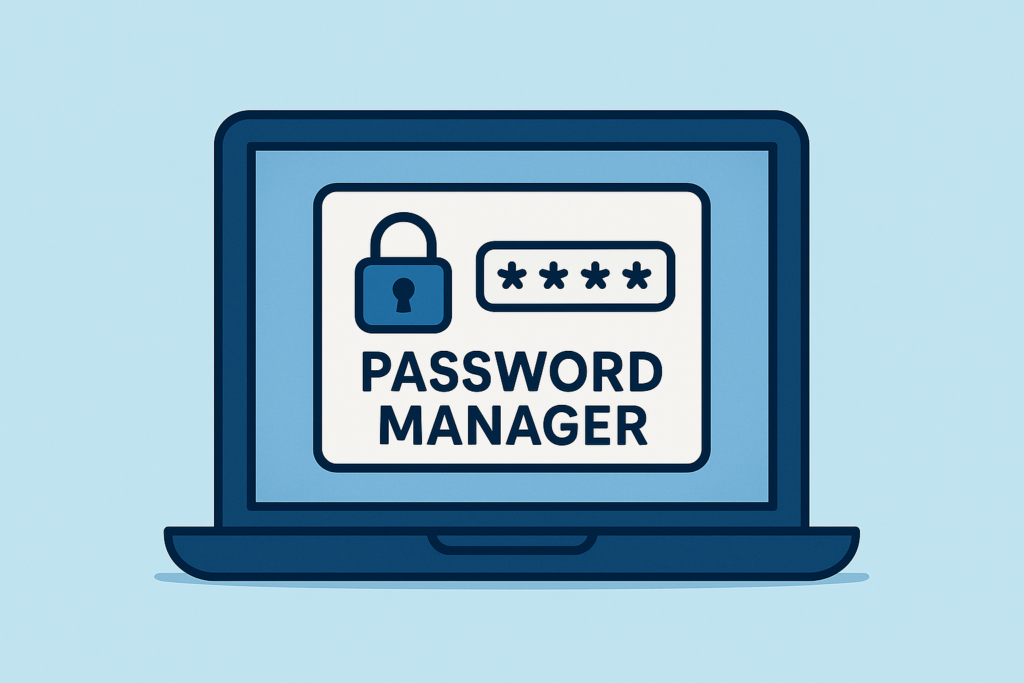
Unlike conventional password managers that store credentials in databases vulnerable to hacking, MyPasoKey eliminates stored passwords altogether.
It relies on cryptographic keys tied to specific devices, meaning that even if data is intercepted, it is useless without the device. This makes MyPasoKey a more secure and forward-looking alternative, particularly in today’s age of increasing cyber threats.
Security Concerns, Best Practices, and Future Outlook
Security remains the core strength of MyPasoKey. By combining device-based verification, biometrics, and optional multi-factor authentication, it mitigates common threats like phishing, credential stuffing, and brute-force attacks.
For optimal security, users and organizations should:
- Regularly audit devices linked to accounts
- Enable multi-factor authentication for sensitive accounts
- Maintain secure backups of recovery keys
Looking ahead, MyPasoKey represents the future of authentication. With passkeys, decentralized identity solutions, and AI-driven threat detection, it’s poised to redefine how both individuals and businesses protect their digital lives. The combination of convenience, security, and adaptability ensures that MyPasoKey will remain a key player in the next generation of authentication technology.
Final Verdict
In conclusion, MyPasoKey is more than a password replacement; it’s a comprehensive authentication solution designed for the modern digital landscape.
Whether for personal use or enterprise deployment, it offers unmatched security, seamless user experience, and innovative technology that addresses the flaws of traditional password systems.
For anyone looking to simplify logins while safeguarding digital identity, MyPasoKey is a smart and future-proof choice.
Read More Informative Information At Mypasokey